Advanced Photo System
Complete photo system overhaul with GPS location priority, permanent file storage, memory optimisation, and comprehensive error handling
Premium
Core Feature
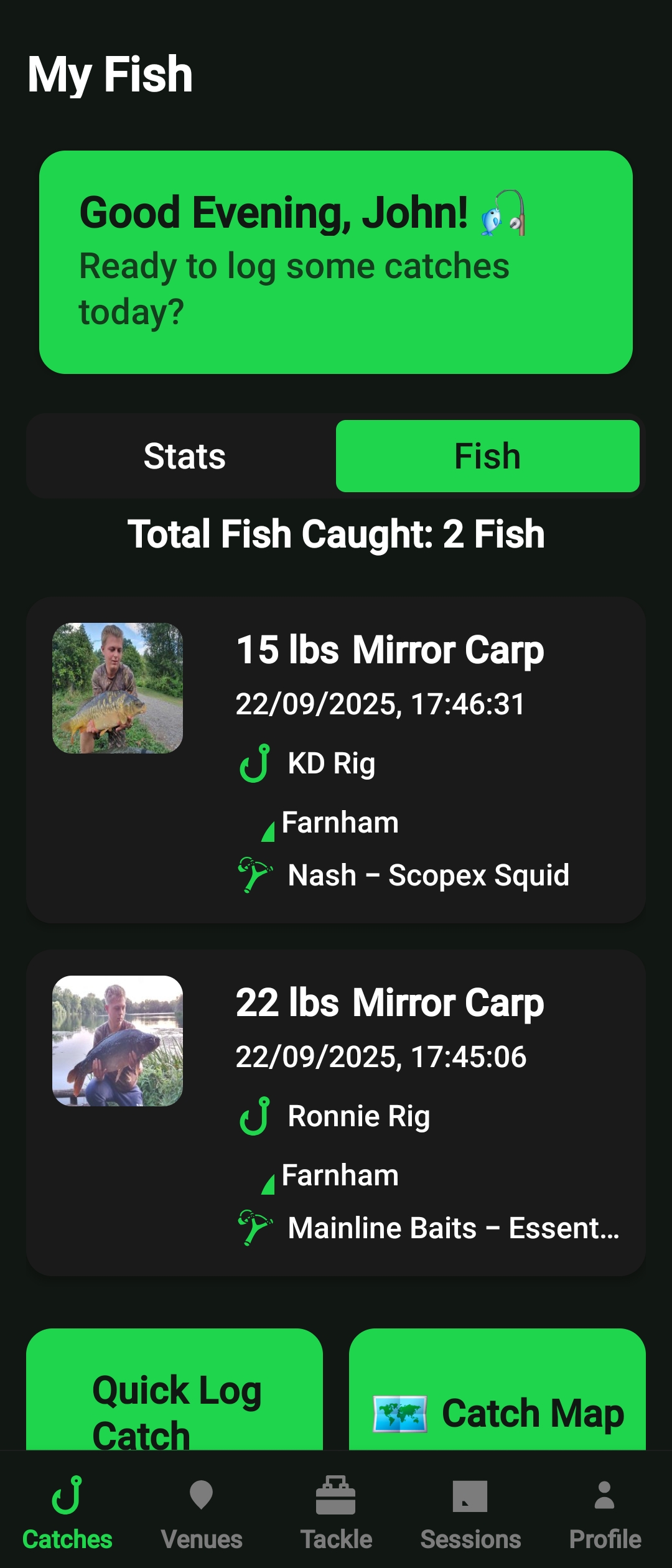
Complete photo system overhaul with GPS location priority, permanent file storage, memory optimisation, and comprehensive error handling
The Advanced Photo System is Catch Vault's comprehensive photo management solution designed specifically for anglers. It handles everything from multi-photo selection to GPS location extraction, ensuring your fishing memories are captured with precision and stored securely.
Select and upload multiple photos at once when logging catches, with intelligent compression and storage optimization.
Automatically extracts GPS coordinates from photo EXIF data, ensuring accurate location tracking for your catches.
Permanent file storage with memory optimization prevents crashes and ensures photos persist across app sessions.
Comprehensive error handling with graceful fallbacks ensures your photos are never lost, even in poor network conditions.
When logging a catch, tap the photo selection button to choose multiple photos from your gallery. The system supports up to 5 photos per catch on Premium plans.
The system automatically extracts GPS coordinates from your photo's EXIF data, using this location information for precise catch tracking and venue mapping.

Photos are automatically compressed for optimal storage while maintaining quality, then stored permanently with cloud backup for cross-device access.
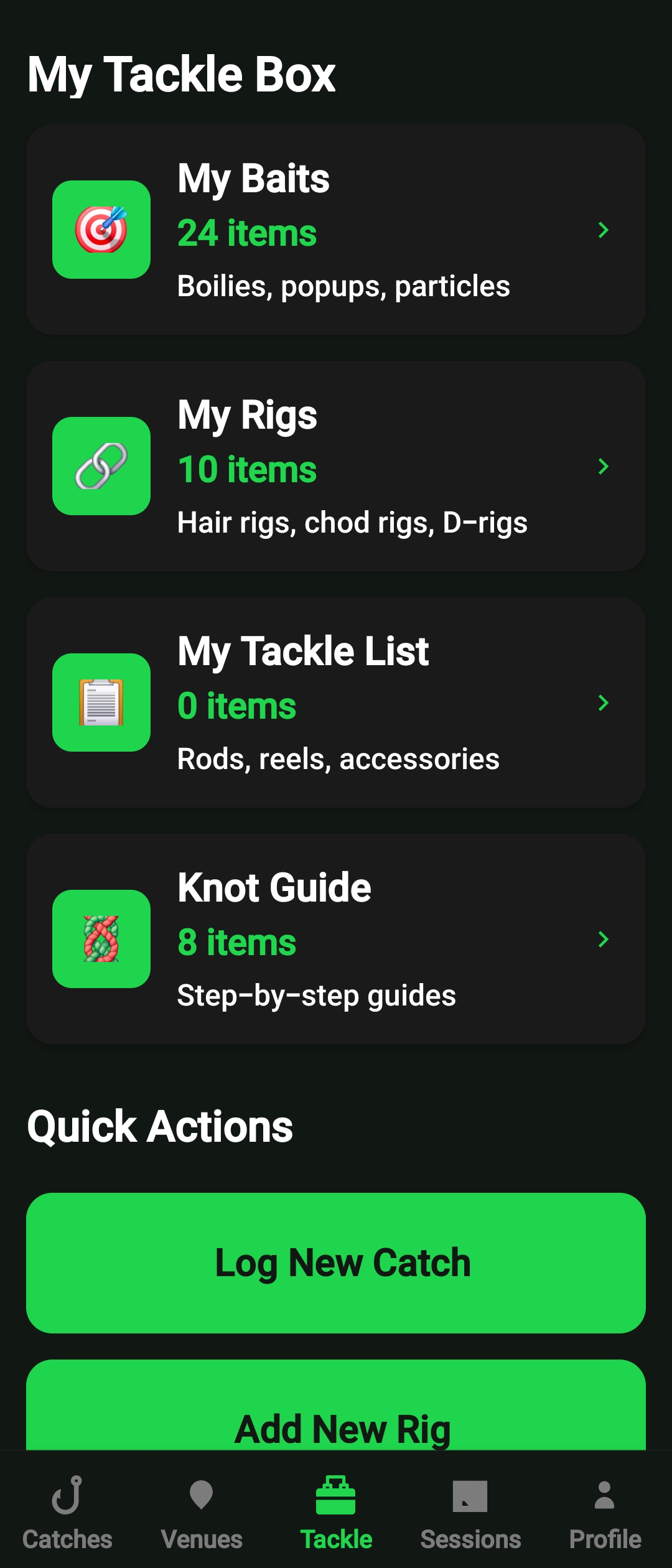
Download Catch Vault and start capturing your fishing memories with professional photo management.